
Current SafireIDE examples.
Screenshots show the current development direction: source-backed design surfaces, project structure, properties, events, database diagrams, AI operations, output panels and supporting Safire utility programs built with Safire UI Components.
Real Safire interfaces built with Safire UI Components.
The Source Vault System and Safire WAS Administrator shown here are actual Safire programs, not mock-up artwork.
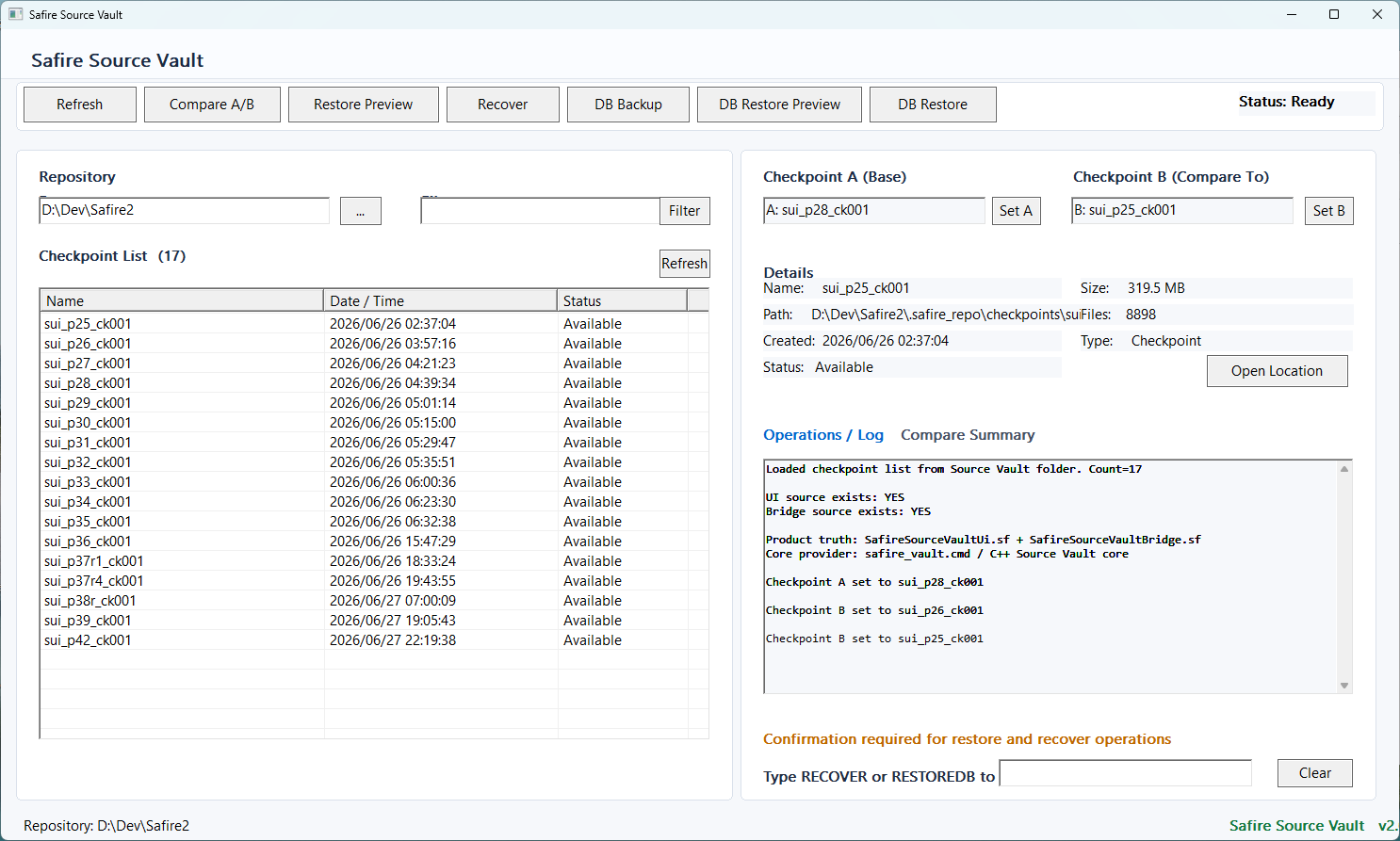
Actual Safire program using Safire UI Components for checkpoint review, compare A/B, restore preview, recovery and DB backup/restore workflow.
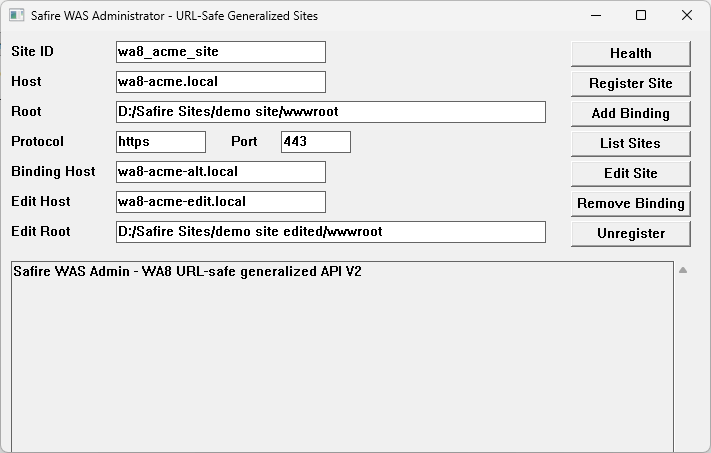
Actual Safire program using Safire UI Components for site registration, bindings, health checks and hosted site management.
Current SafireIDE examples.
These screens show the working IDE direction: forms, properties, events, database diagrams, AI operations and output pads.
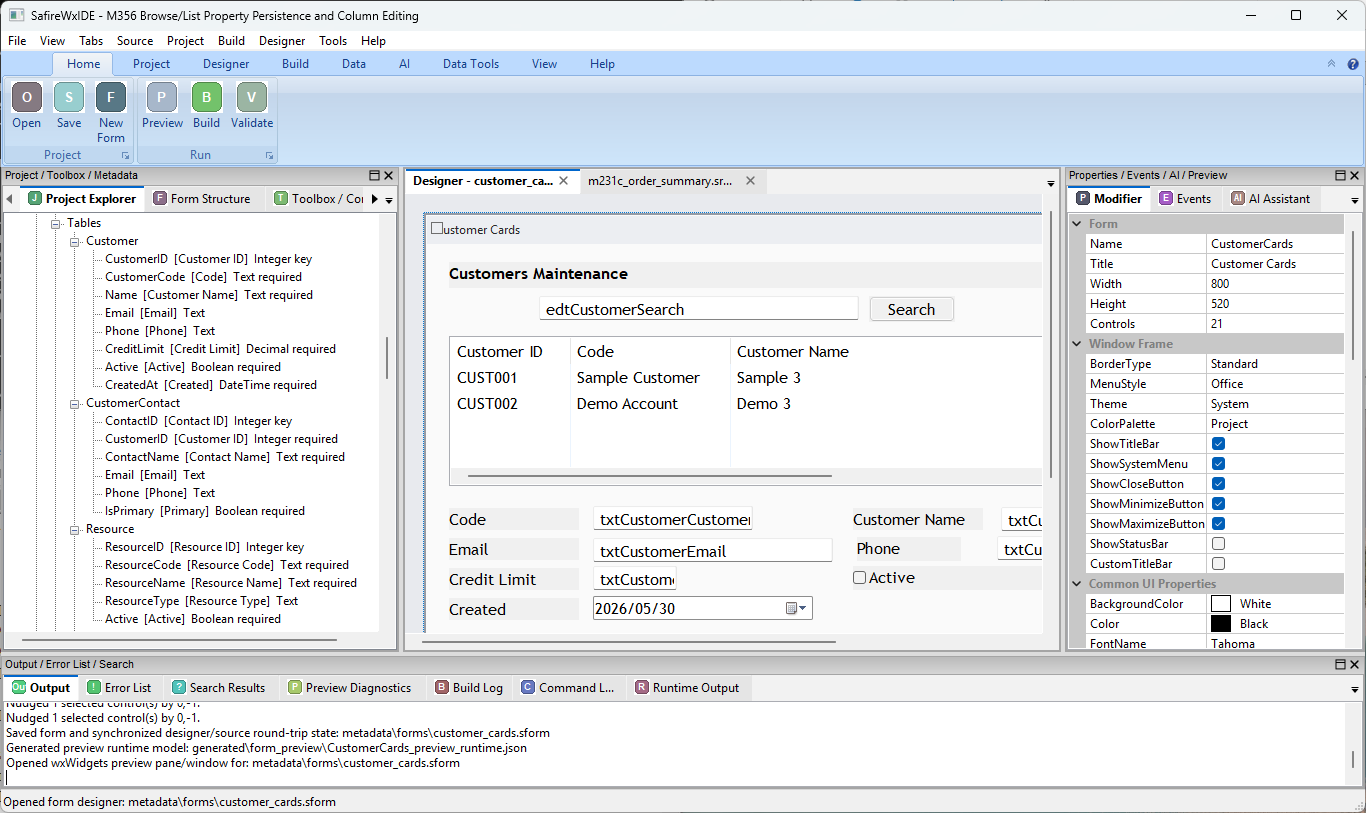
Customer maintenance form, project explorer, property grid, and output pads in SafireIDE.
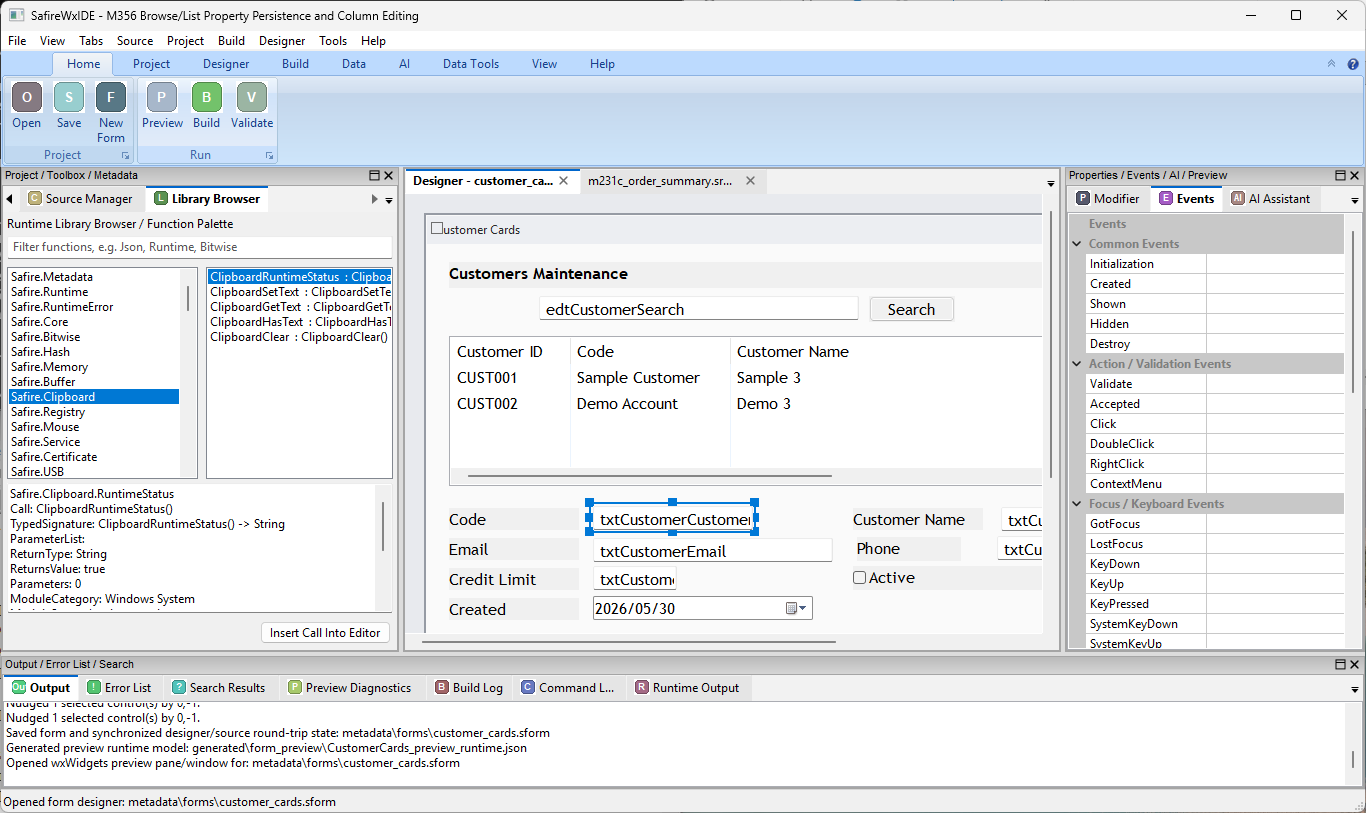
Runtime library browser and event panel beside a source-backed customer form.
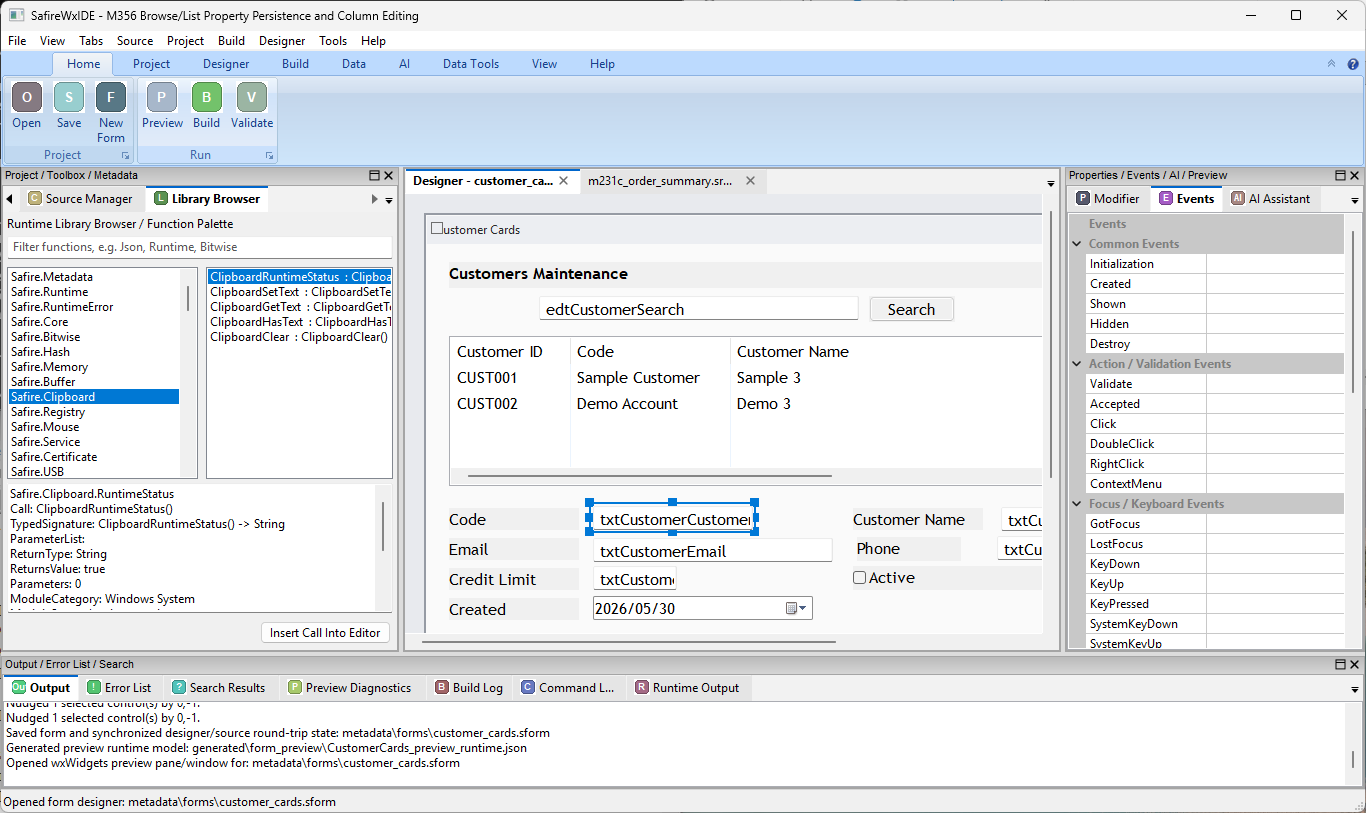
Selected edit control with library browser, events, and designer surface visible together.
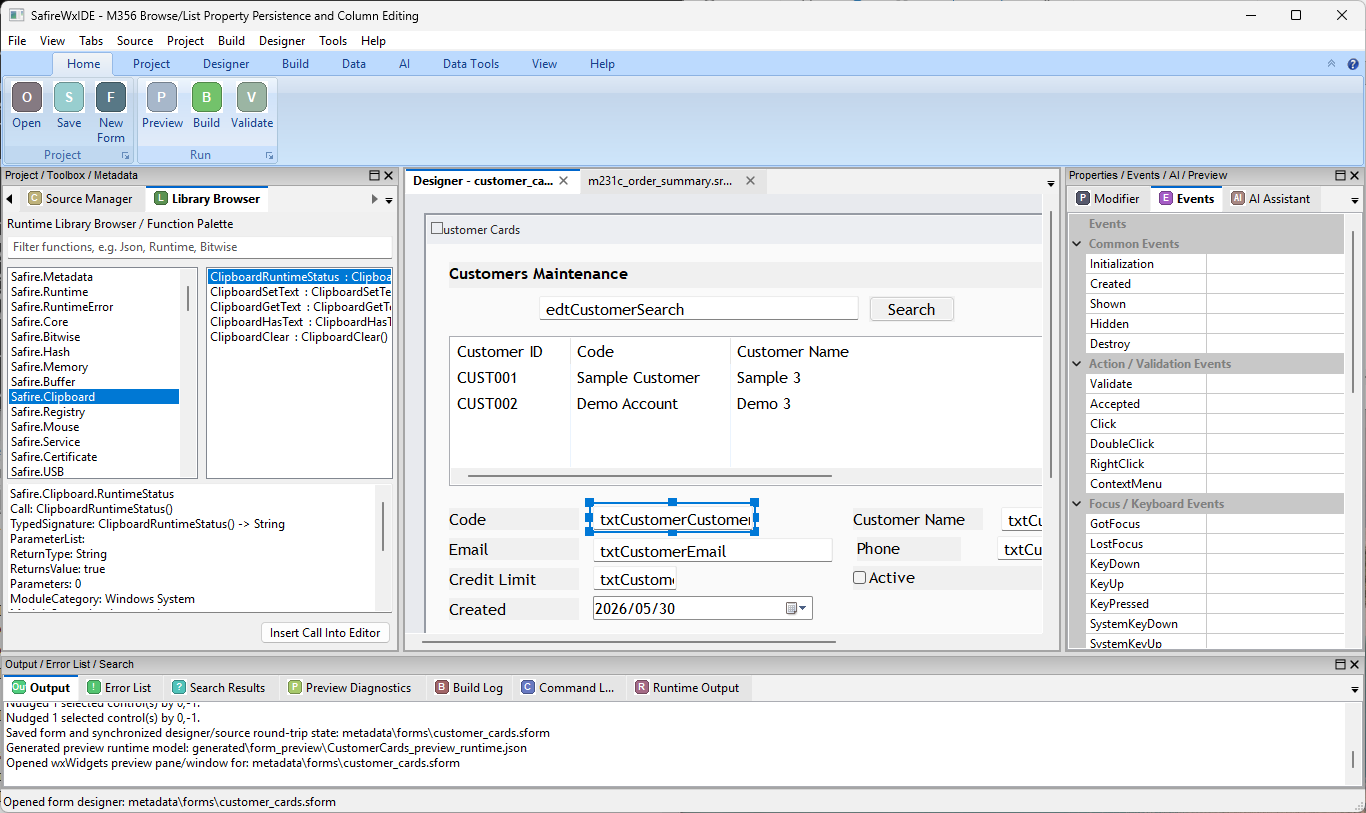
Designer, library browser, event categories, and output pad in one workbench.
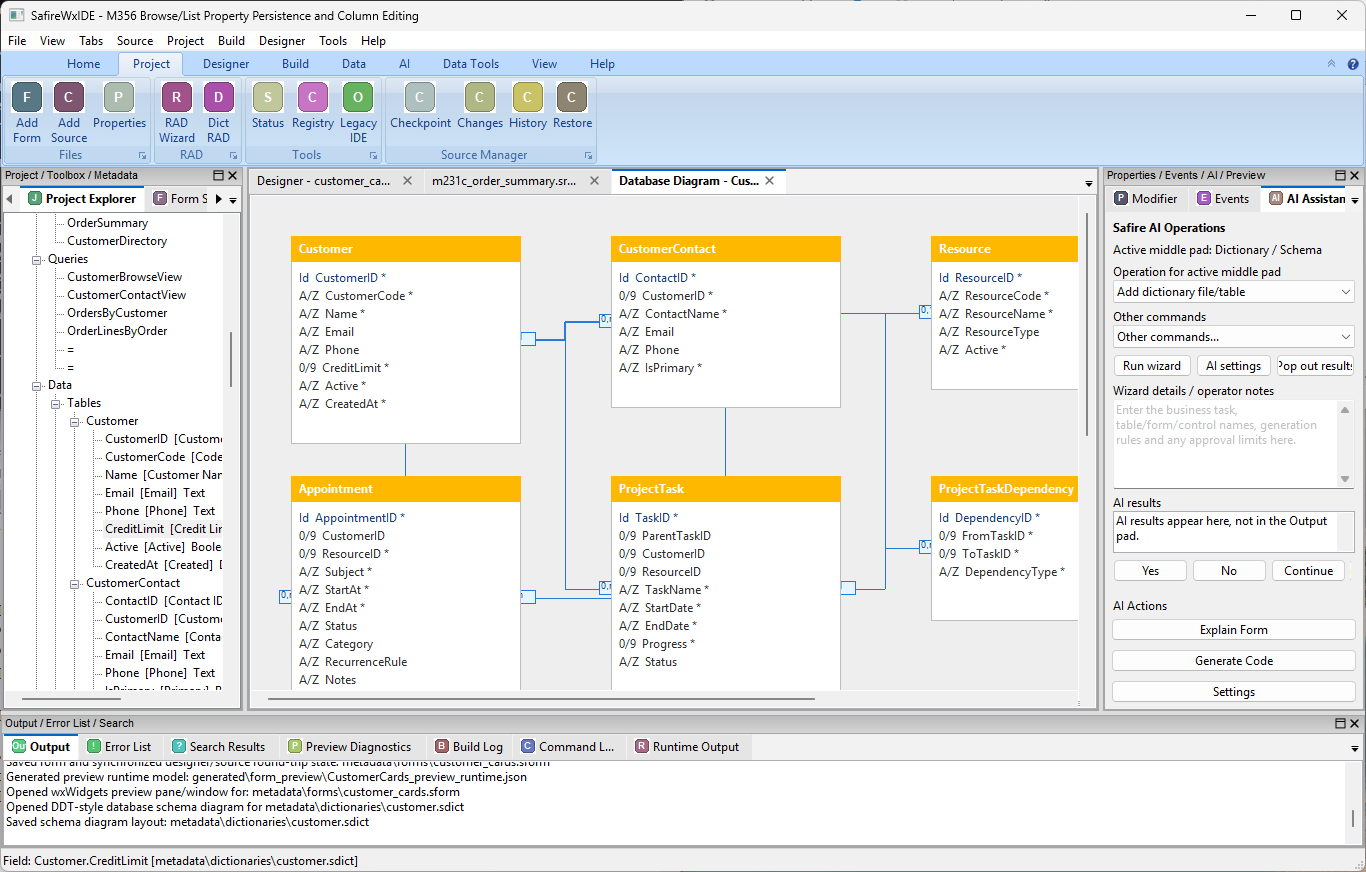
Dictionary schema diagram, project explorer, AI operations, and output evidence.
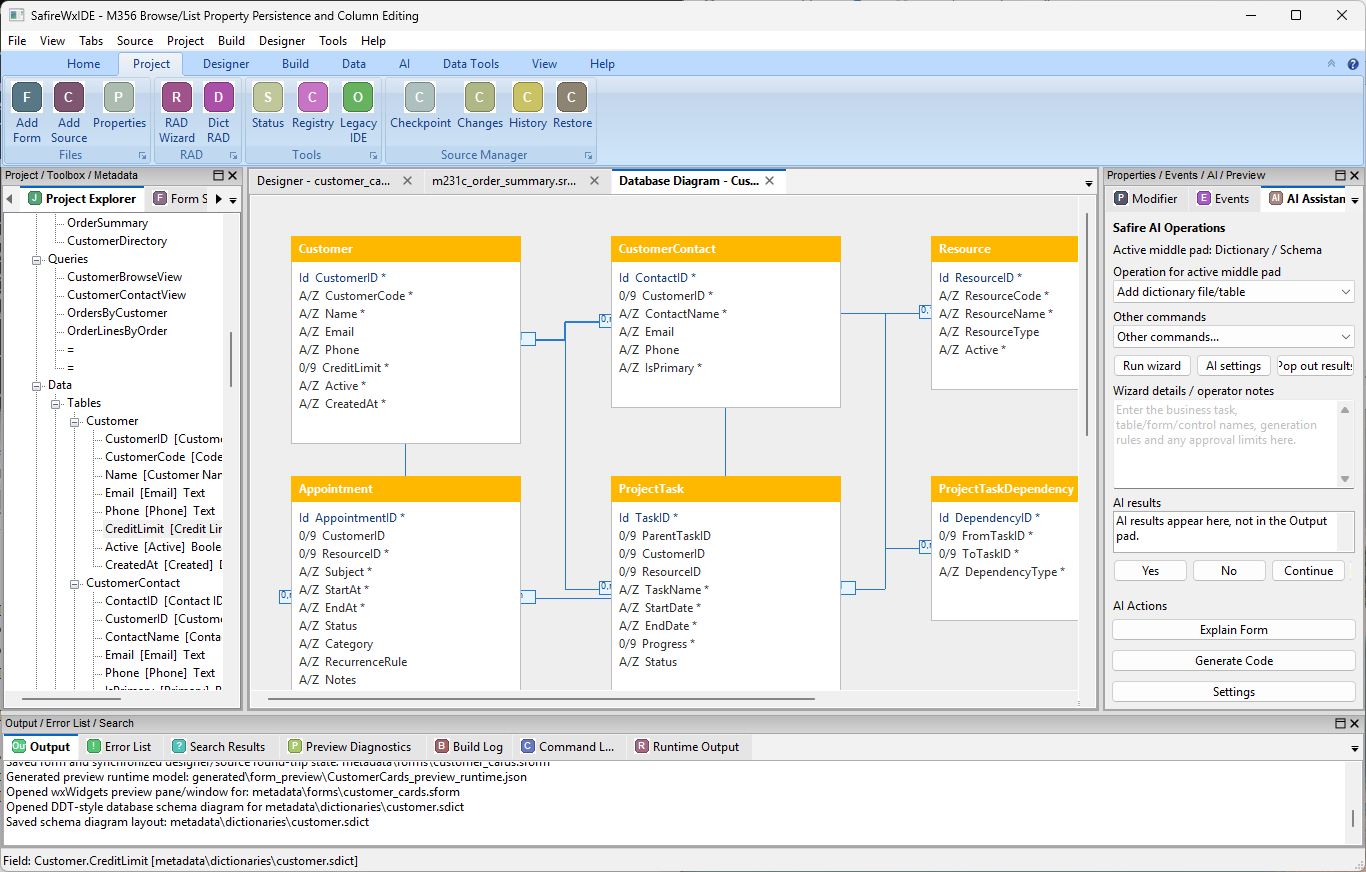
Database tables, relationships, source tree, and AI operations panel in SafireIDE.
New Build-area PDF cover images.
Clicking each cover opens the matching PDF guide in a new tab.

Language syntax, structure, statements and development patterns.

Windows, controls, properties, events and usage guidance.
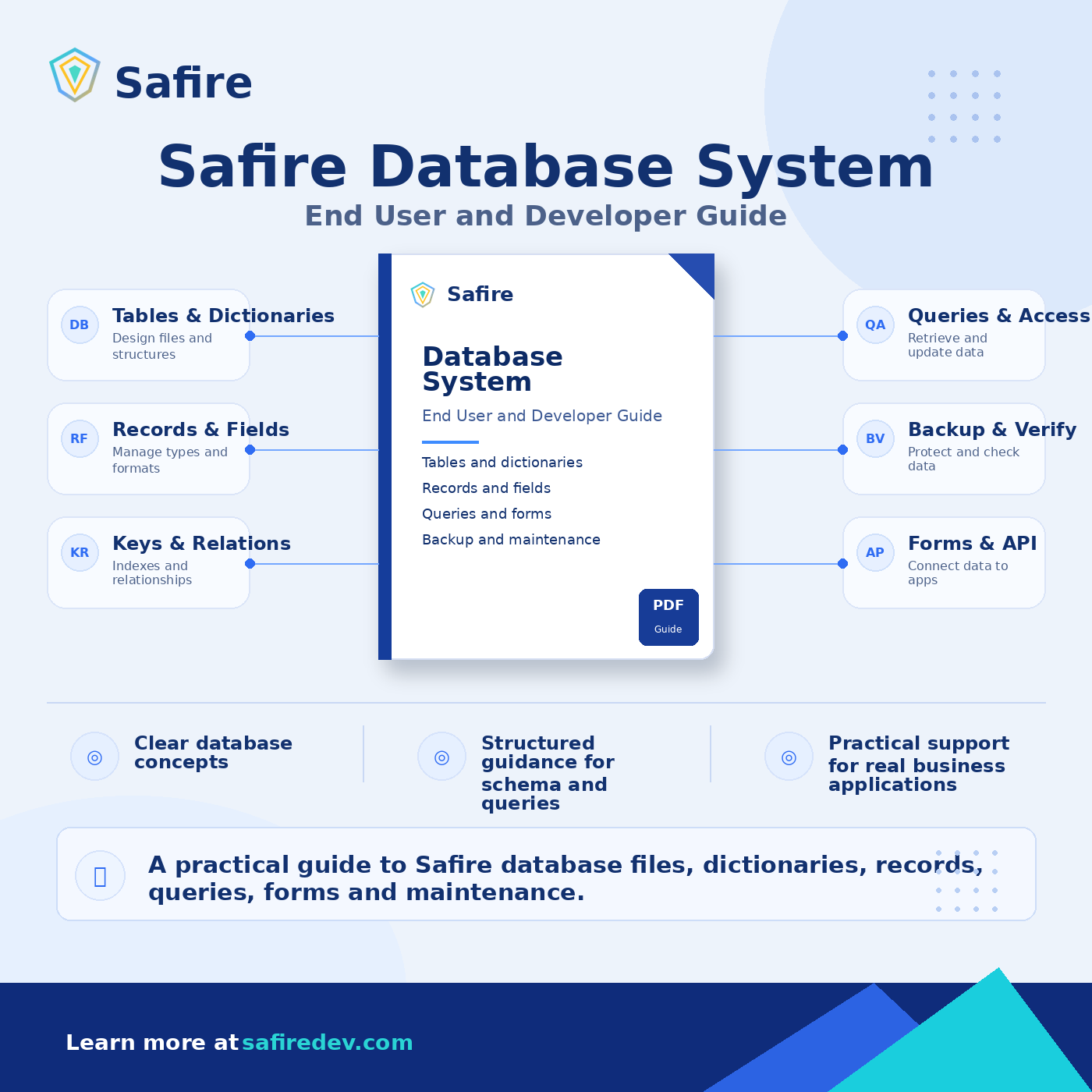
Tables, dictionaries, records, queries, forms and maintenance.
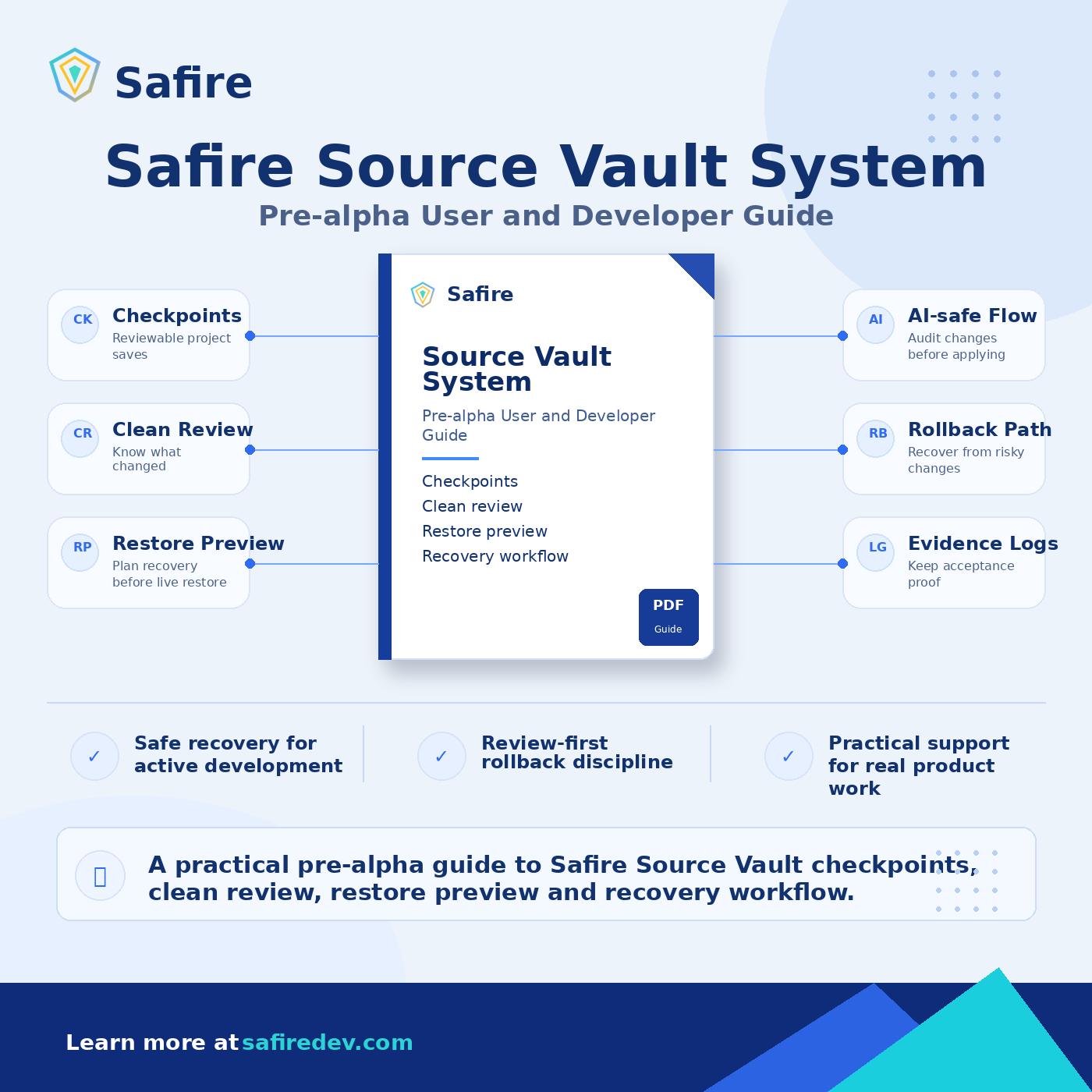
Checkpoints, clean review, restore preview and recovery workflow.
What to look for
- Business forms with source-facing properties.
- Project explorer alongside design surfaces.
- Dictionary/schema editing and diagram direction.
- AI and output pads inside the same workbench.
Development status
These images represent active product direction and preview material. Some screens may evolve as Safire moves toward the Version 1 developer preview distribution.
Explore Safire. Review the docs. Shape what comes next.
Safire is in active Version 1 development. The best reviewers are experienced business software developers who know the cost of fragile tools, hidden metadata and uncontrolled AI edits.